Cart
0
Your items are reserved for the next
15:00
minutes!


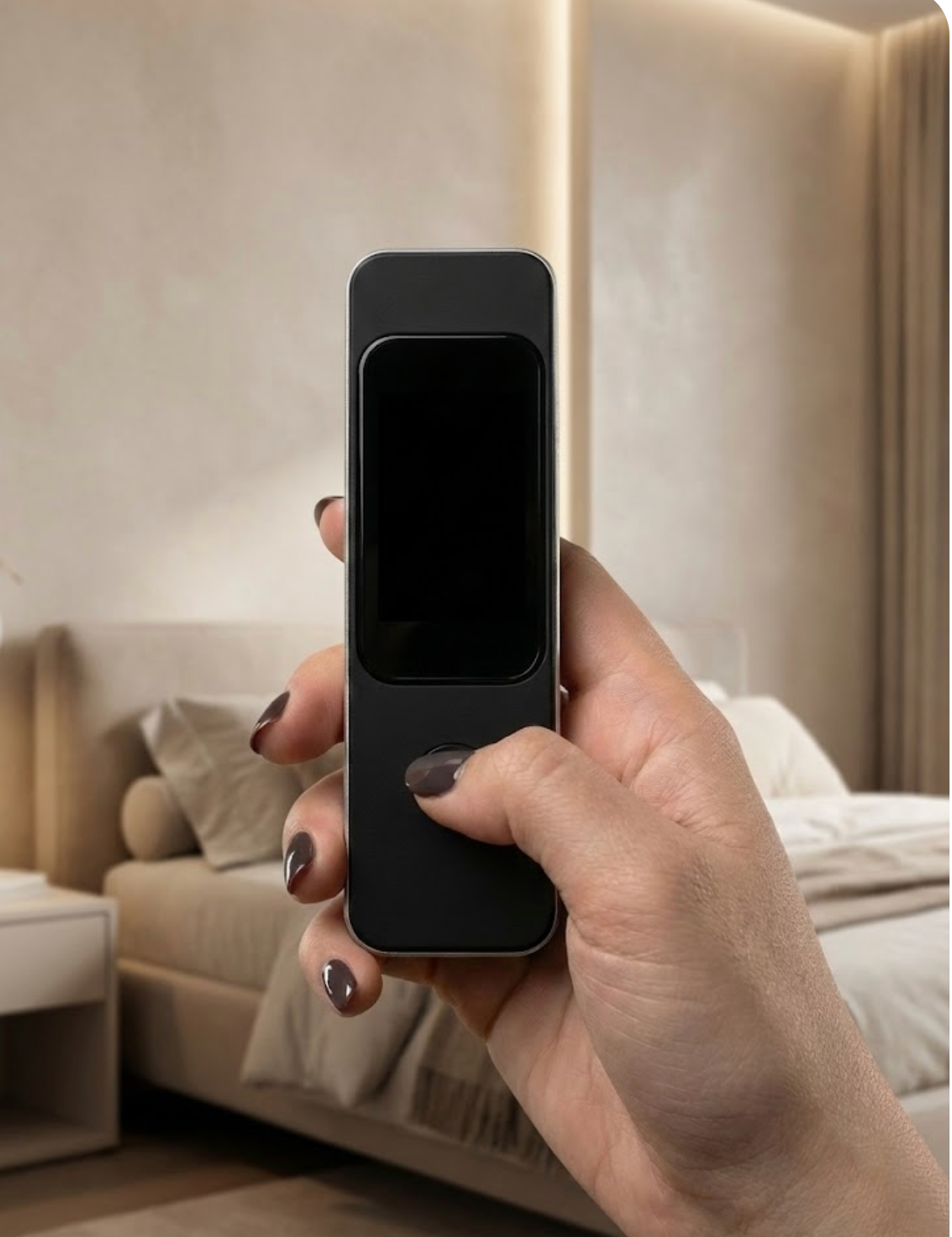

Press the button to power on the IGYA Detector. No apps or setup required it’s instantly ready to help you check any room the moment you arrive.
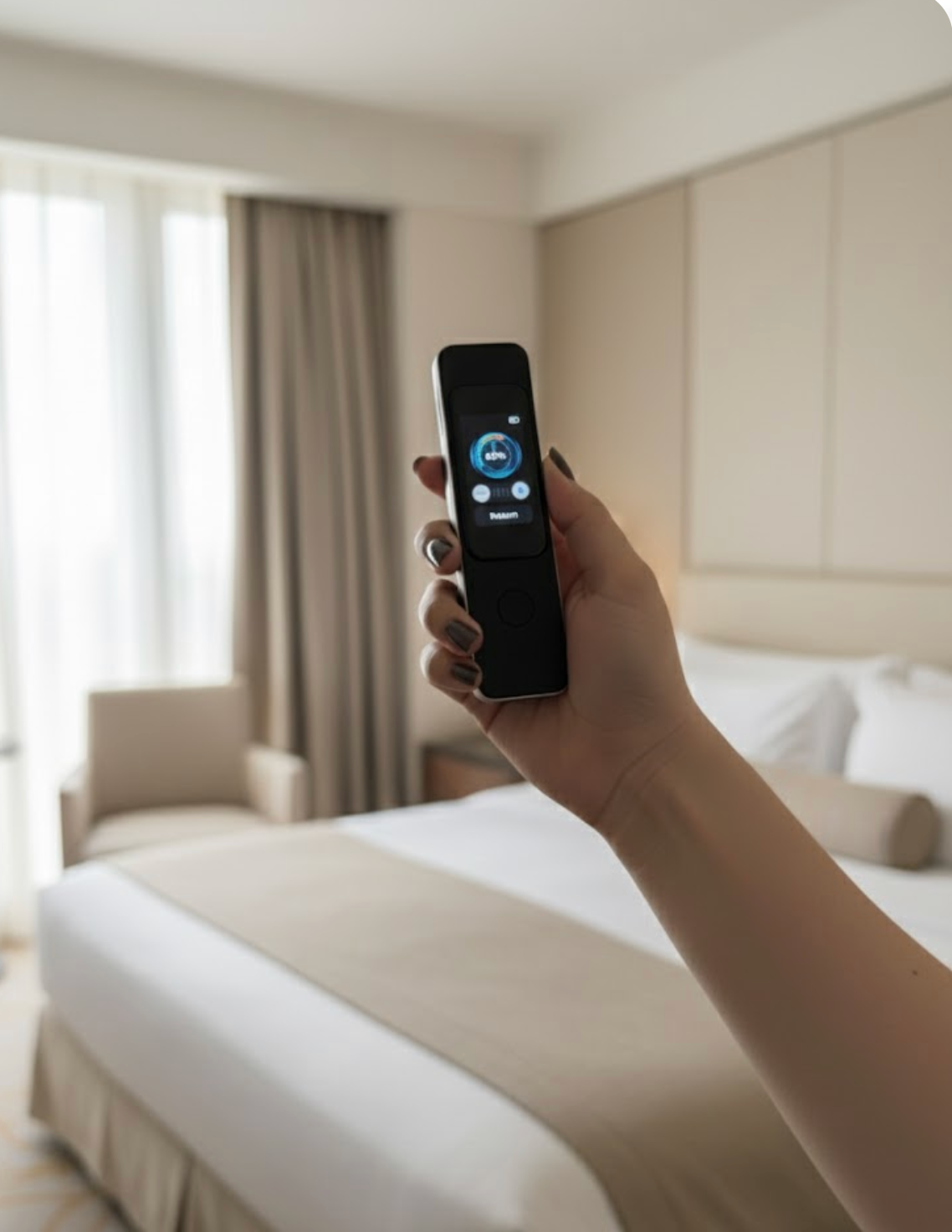

Slowly move the IGYA Detector through the space. Clear on-screen guidance shows what it’s picking up, from hidden lenses to wireless signals or magnetic activity..
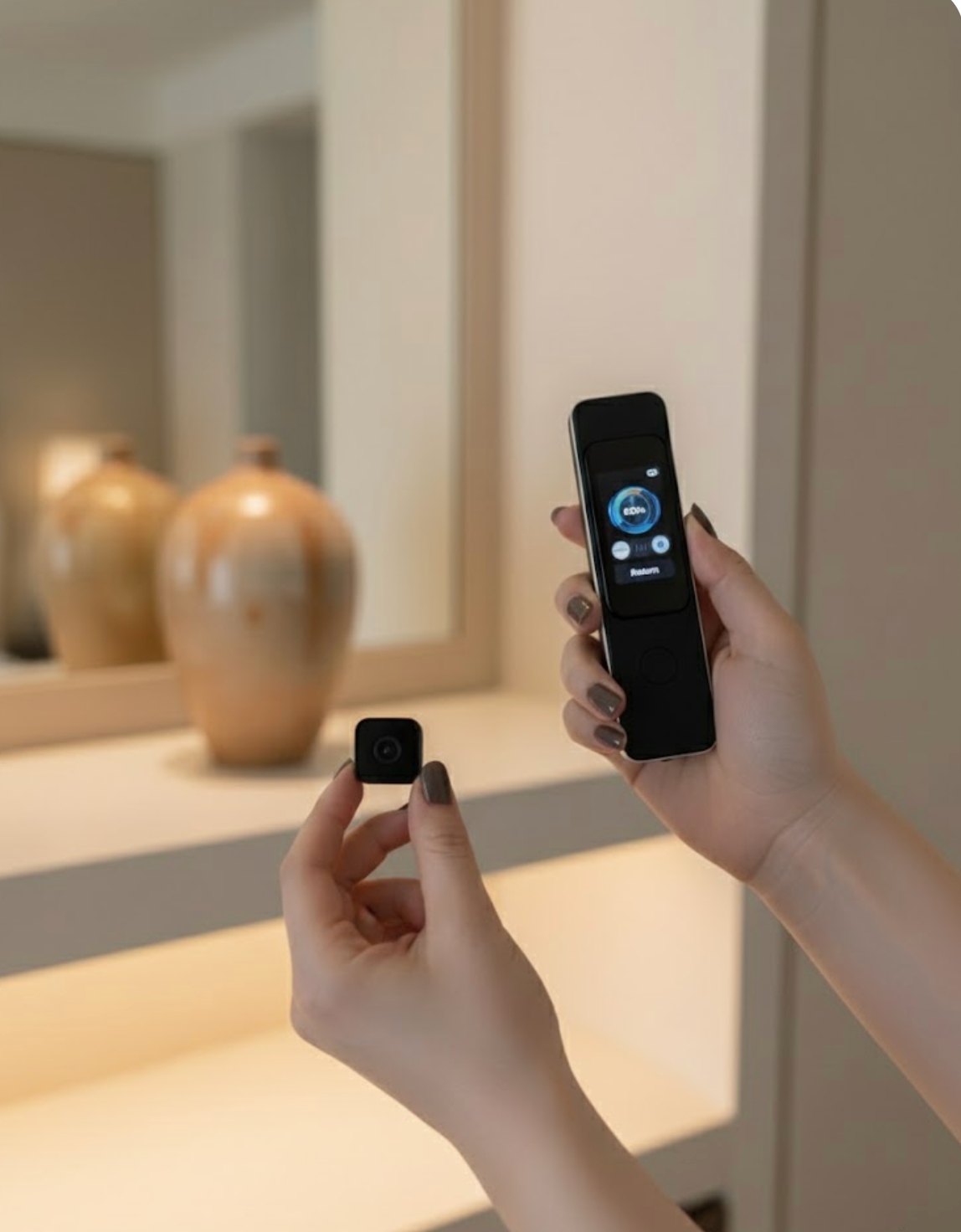
Hidden surveillance devices are smaller and harder to spot than ever. The IGYA Detector gives you a quick, reliable scan so you always know your space is secure at home or on the move.
Buy Now


How to use Wireless Detection
1. Turn on the IGYA Detector
Hold the power button until the touchscreen activates.
2. Select “Wireless Detection” from the menu
Tap the wireless detection icon to begin scanning for RF signals.
3. Move slowly through the room
Sweep the detector around common hiding spots such as power outlets, smoke detectors, alarm clocks, lamps, vents, and decorative items.
4. Watch the signal indicator
The signal bar rises when the detector senses an active wireless transmission. Higher levels means you are getting closer to the device.
5. Pinpoint the source
Move the detector side to side or up and down. When the signal spikes consistently near a specific object, that object is the likely source of transmission.
6. Inspect suspicious areas
Check any item that triggers strong or repeated signal alerts such as chargers, digital clocks, USB adapters, or unusual room accessories.
7. Confirm your space is safe
Continue scanning until no abnormal wireless activity remains. Once the readings stay low, the environment is clear.

1. Turn on the IGYA Detector
Press and hold the power button to activate the device.
2. Select “Magnetic Detection”
Tap the magnetic detection icon to start scanning for tracker activity.
3. Move the detector around key areas
Check under the car, around wheel wells, inside bags, behind panels, and anywhere a tracker could be attached.
4. Follow the alert signal
If the detector detects a magnetic or wireless spike, inspect that area closely for a hidden tracking device.

1. Turn on the IGYA Detector
Press and hold the power button to activate the device.
2. Select “Burglar Alarm”
Tap the alarm icon to turn on door-entry detection.
3. Place the detector near the door
Set it on a table, nightstand, or any stable spot close to the entry point.
4. Wait for an alert
If the door moves or someone enters, the detector notifies you instantly so you can react quickly.

1. Turn on the IGYA Detector
Press and hold the power button to activate the device.
2. Select “Shot Detection”
Tap the red-light icon and choose your preferred mode (Normal, Slow, or Fast).
3. Scan the room slowly
Look through the viewing window while moving the detector across mirrors, outlets, vents, decorations, and other common hiding spots.
4. Watch for bright reflections
If you see a sharp, bright dot reflecting back at you, inspect that area it may indicate a hidden camera lens.

1. Turn on the IGYA Detector
Press and hold the power button to activate the device.
2. Select “Infrared detection”
Tap the infrared icon to enable night-mode camera detection.
3. Dim the lights or darken the room
Infrared scanning works best in low light, making hidden lenses easier to spot.
4. Look for glowing reflections
Slowly scan the area and watch for small glowing points — these reflections may indicate a hidden camera lens.

One How to Use the Positioning Function
1. Turn on the IGYA Detector
Press and hold the power button to activate the device.
2. Activate the Positioning Function
Select the positioning icon after detecting a signal.
3. Move toward the strongest signal
Walk slowly in the direction where the signal level increases.
4. Pinpoint the source
When the signal peaks, inspect that area closely the device is likely nearby., Total Protection